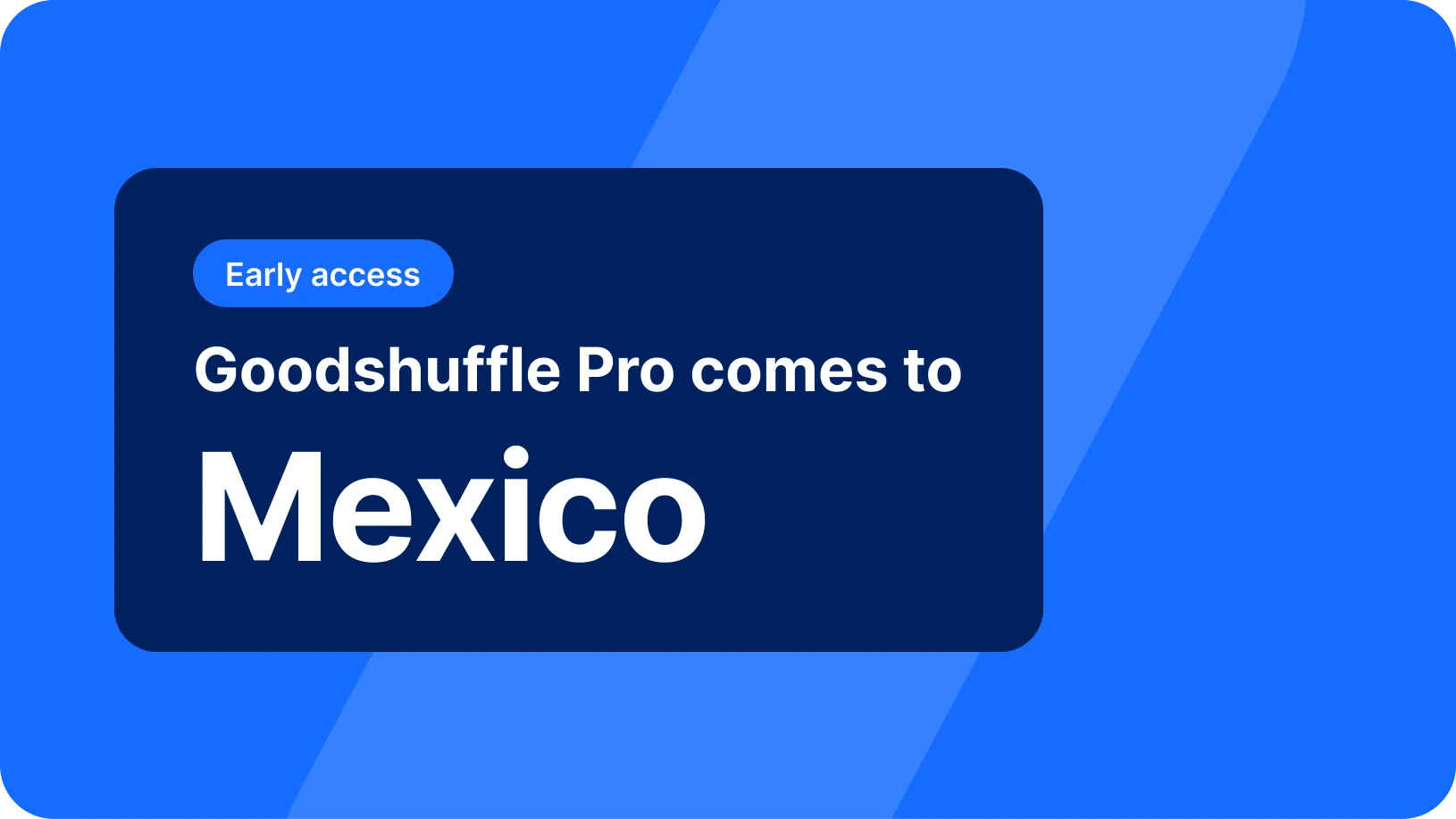
The User Summit is a wrap, and thank you to everyone who joined us! Even better, you don’t have to wait for some of what we showed on stage, because it’s already live in your account: AI Search now finds items the way your client describes them. Canadian and Mexican quotes show their currency right on the total. And you can pull up any event just by its venue.
We also gave you a first look at five features headed into beta, and we can’t wait to get them in your hands. They range from a rebuilt CRM to dashboards you build by chatting.
Watch a quick video walkthrough, or keep reading for the full breakdown:
Key Takeaways:
-
Search your inventory the way your client describes it.
AI Search is out of beta and on for every account and plan.
-
Client-facing totals now name their currency.
Canadian and Mexican accounts show CAD or MXN on the grand total, deposit due, and balance due.
-
Find the event from whatever the client remembers.
Search your events by part of a venue or event name.
-
Exclusive partner deals are now in your navigation bar.
The Partner Network lists companies with deals for Goodshuffle Pro users.
Search your inventory the way your client describes it
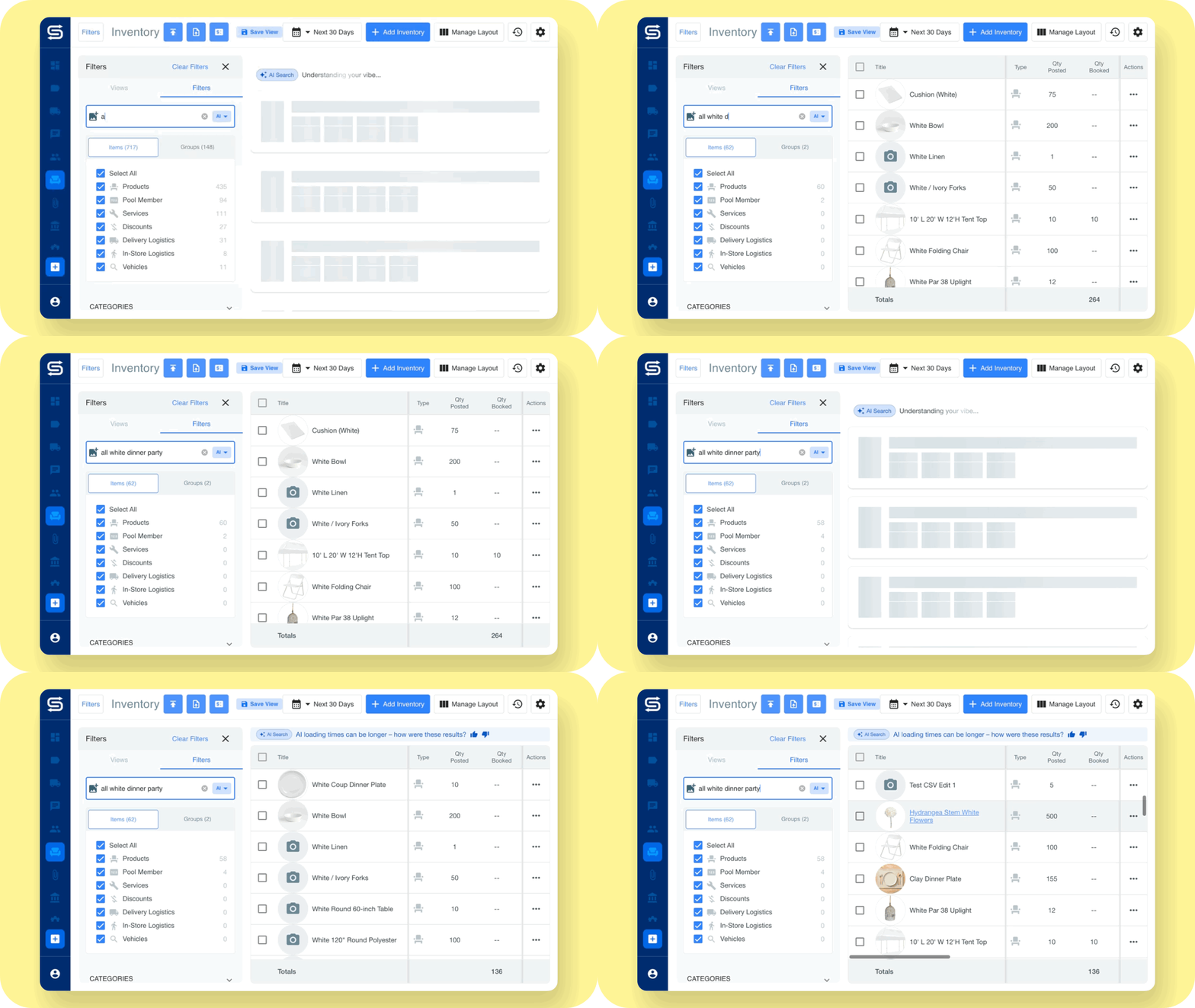
AI Search, the event rental inventory search in Goodshuffle Pro that matches on meaning, is out of beta and on for every account. Describe an item the way a client would, even if you named it something else three years ago: “tropical birthday party,” “modern velvet lounge furniture.” When a planner sends a photo and says “something like this,” drop the photo in.
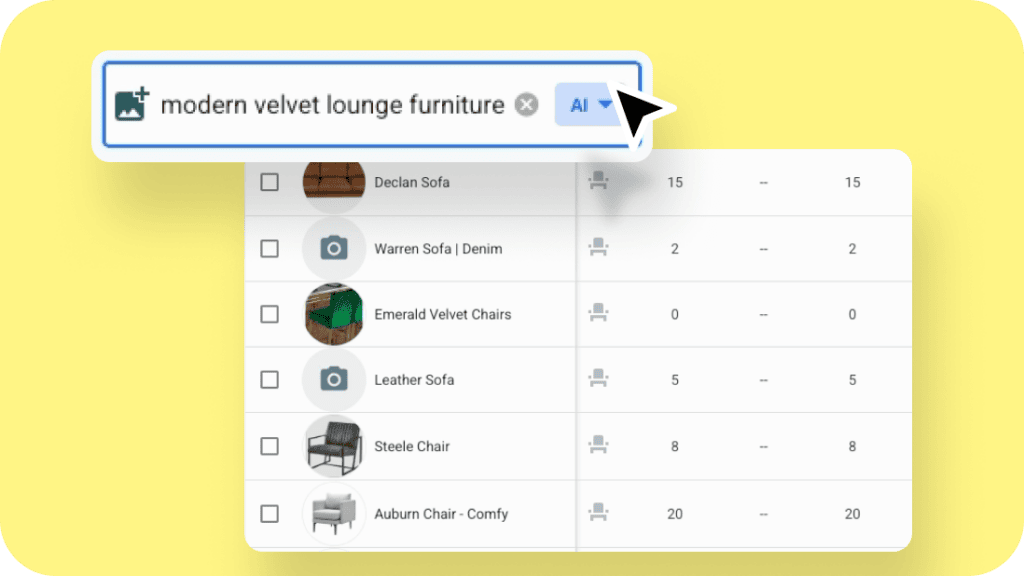
What’s new: It’s on every plan, with three modes in the inventory search bar: AI, Query, and Exact Match. Know the exact name? Flip to Exact Match, just one click away.
How to access: Inventory → click the search bar → choose AI. The AI Search help article walks through each mode.
Your client sees which currency they're paying in
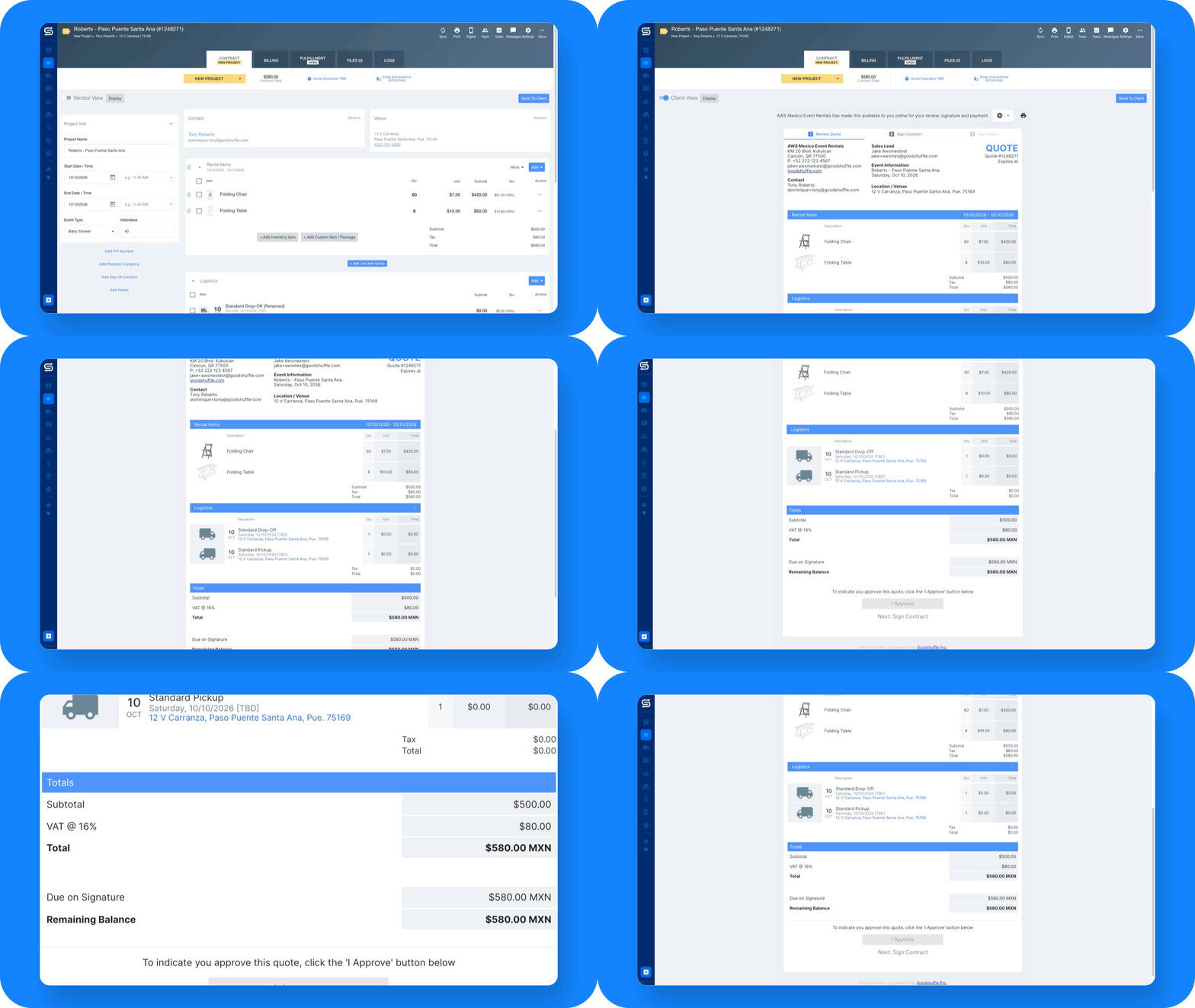
Picture a client opening an $8,000 quote from a Toronto rental company. The grand total, deposit due, and balance due all say CAD, so there’s no guessing which dollars they owe.
What’s new: Canadian and Mexican accounts now show CAD or MXN on the grand total, deposit due, and balance due of quotes, contracts, and payment emails, so your clients know exactly what they’re paying. Sending a quote in Spanish or French? The currency is named there too, U.S. dollars included. Line items keep a plain dollar sign, and nothing changes on your own screens. There’s nothing to turn on, and the currency help article shows how amounts appear.
Find the event from whatever the client remembers
You can now search your events by venue or event name in Query search. Partial matches count. Type “Hilton” and you’ll see every event at a Hilton.
For teams on the Dispatch add-on, route packets now print the venue name next to the address, too.
How to access: Projects → search bar → Query, then type part of a venue or event name. On Dispatch, route packets pick up the venue name automatically.
Exclusive partner deals, now in your navigation bar
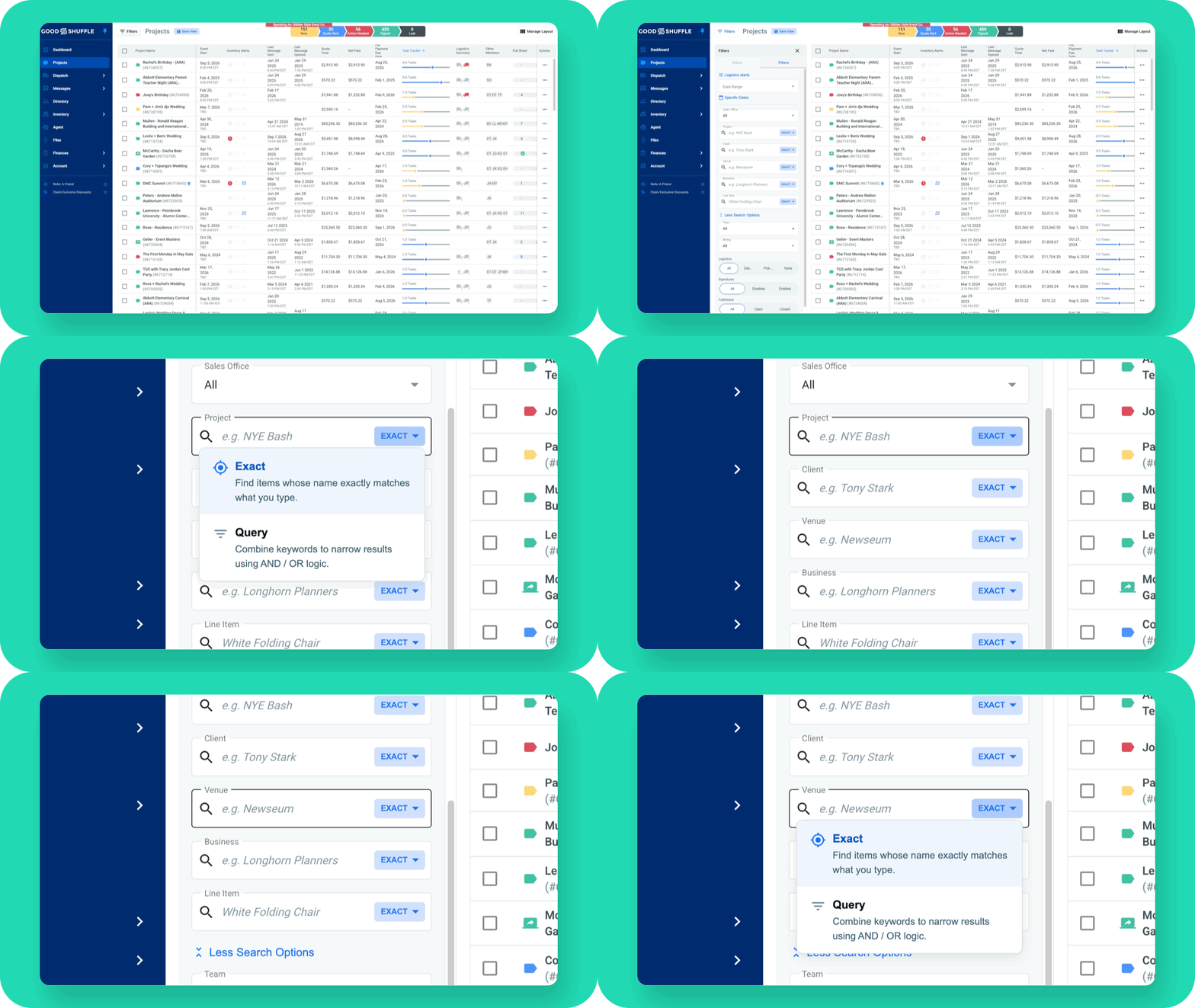
The Partner Network we launched at the Summit now sits in your navigation bar. It lists tent and furniture suppliers, web and marketing agencies, accountants, consultants, and educators, all with exclusive deals for Goodshuffle Pro users.
How to access: Click Partner Network in the navigation bar to browse partners by category and see each one’s deal.
A sneak peek at what's next
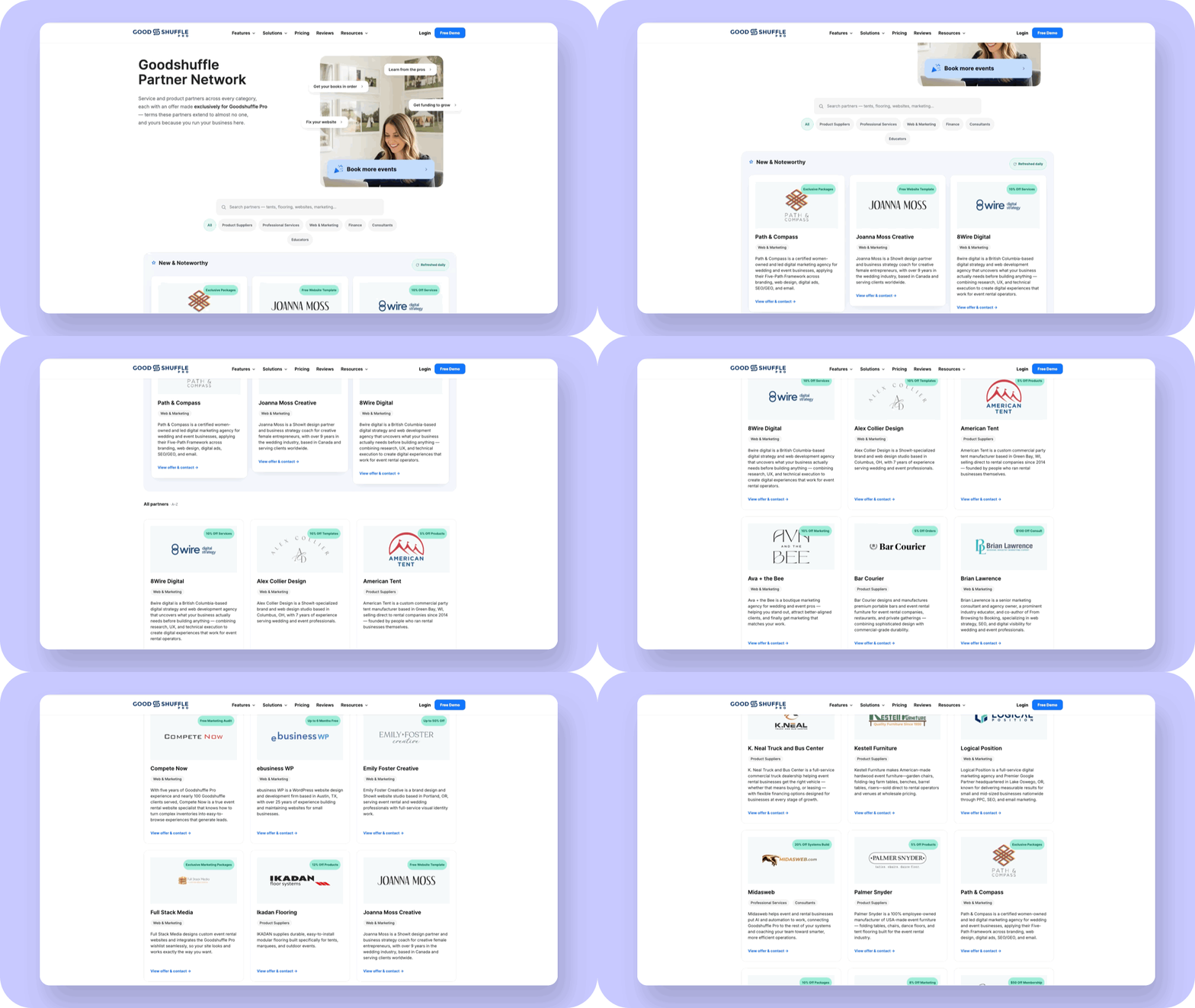
We showed all five at the Summit, and each one will open to a small group of beta accounts first. If you missed a session, every User Summit recording is on our site, from pricing and margin to fixing the systems behind the 11 p.m. fire drill.
- CRM: A rebuilt Directory with saved views, tags, and lead source tracking, so you know where every client came from. Companies can carry more than one business type.
- Job Costing: Set a budget by category, log what you spent, and watch margin updates on the Billing tab.
- Lead Forms: Put a form on your website, and every submission will land in Goodshuffle Pro with the answers already in the right place.
- Custom Forms and Documents: Build pickup agreements, insurance requests, and riders to drop into automated emails.
- Agentic Reporting: Tell it what you want to see, and it will build the dashboard.
While those are on the way, AI Search is ready now. The next time a planner texts you a photo and asks for “something like this,” drop it into search and send back the pieces that match. If you’re the one wearing all the hats, that’s one less thing waiting on you at the end of the night.
FAQs
It matches on meaning across your item names, tags, attributes, and categories, so “tropical birthday party” finds the right items even if nothing is named that. It only searches your own inventory, and fuller names and tags give better results.
Yes. Switch the search bar to Exact Match or Query. Use one of those to select all or export, too, since AI mode doesn’t.
It comes from the country your business is based in. Canadian and Mexican accounts show CAD or MXN on the grand total, deposit due, balance due, and payment emails. Sending a quote in Spanish or French? The currency is named there too, U.S. dollars included.
No. AI Search, the currency labels, venue search, and the Partner Network are already live. Venue names on route packets need the Dispatch add-on.
Both go into beta with a small group of accounts first. Your customer success partner can tell you more.
Share On