Most event rental websites make the same mistake: one giant page that lists everything you rent.
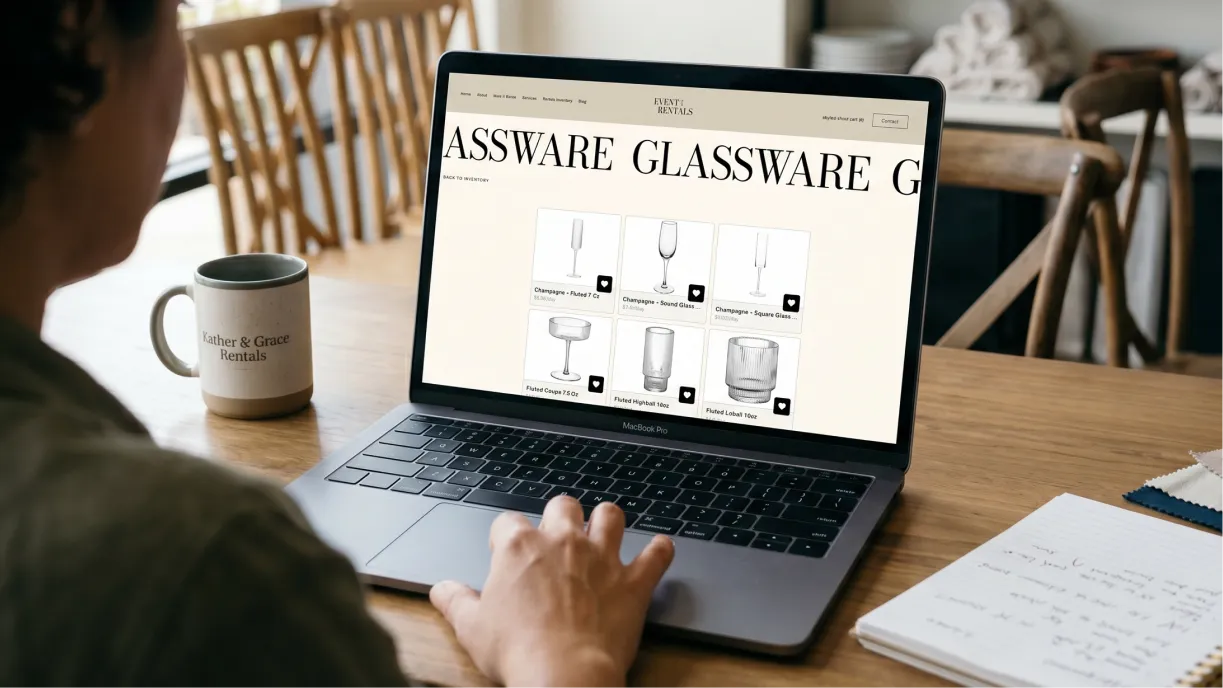
It’s easy to build, but it gives Google — and AI tools like ChatGPT — nothing specific to point people to. The fix is targeted pages for your best items and the events you serve.
Jim Mariano ran a Boston tent rental business for 18 years and now at Recipi, he builds and manages websites for event pros. He broke down how to structure a site that earns search traffic in a Goodshuffle Pro webinar — and almost none of it requires a developer. Here’s the playbook, plus a look at what the best event rental websites get right.
Key Takeaways:
-
One giant “our rentals” page works against you.
A single page listing everything ranks for nothing in particular — targeted pages for your best items win in both Google and AI search.
-
Your best-selling items each deserve their own page.
A dedicated tent or dance floor page gives search engines and AI tools a clean, specific answer to serve up.
-
Name the events you actually do.
Pages for weddings, corporate events, or festivals help the right clients — and AI assistants — find you.
-
Location is what turns rankings into bookings.
Ranking for “dance floor rental” nationwide does nothing; ranking in your city is what fills the calendar.
-
A simple site you maintain beats a perfect one you don’t.
Pick a setup you’ll actually keep current, and build the pages that matter most first.
Why One Big Rentals Page Hurts You
A single page that lists everything you rent ranks for nothing in particular. When you cram tents, tables, linens, and dance floors onto one “Our Rentals” page, search engines can’t tell what it’s really about — so it competes weakly for all of those terms instead of winning any of them. Instead, you’ve got what Jim Mariano calls “the Cheesecake Factory menu.”
A never-ending menu looks thorough, but it makes both the reader and the search engine work to find what they came for. The pages that actually rank are the ones built around a single, clear thing. The goal is to hand Google and the AI tools the exact answer, not make them hunt for it.
Build a Page for Each Top Item
Give each of your best-selling items its own page.
A dedicated dance floor page — or tent, or tables-and-chairs page — gives search engines and AI tools a clean, specific answer to serve when someone searches for exactly that.
Jim ran one of these for his tent business. A single page about dance floor rental in Boston ranked highly and brought in steady leads — not because his company was the biggest in town, but because the page was built for that one search.
“I had a page gift-wrapped and ready to go to show as a great search result.”
— Jim Mariano, Recipi
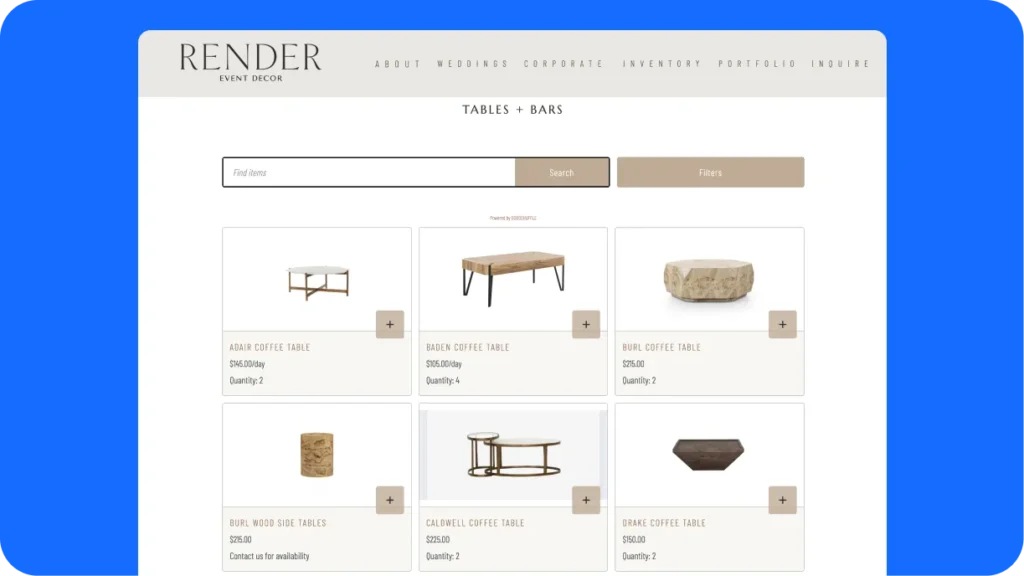
You don’t have to build these from scratch. With Goodshuffle Pro’s Website Integration, you tag the items in your inventory and pull the tagged items onto the matching page automatically.
Change a price once and it updates everywhere, and clients can browse and request a quote right from the page, while you keep control over the final number.
Add Pages for the Events You Do
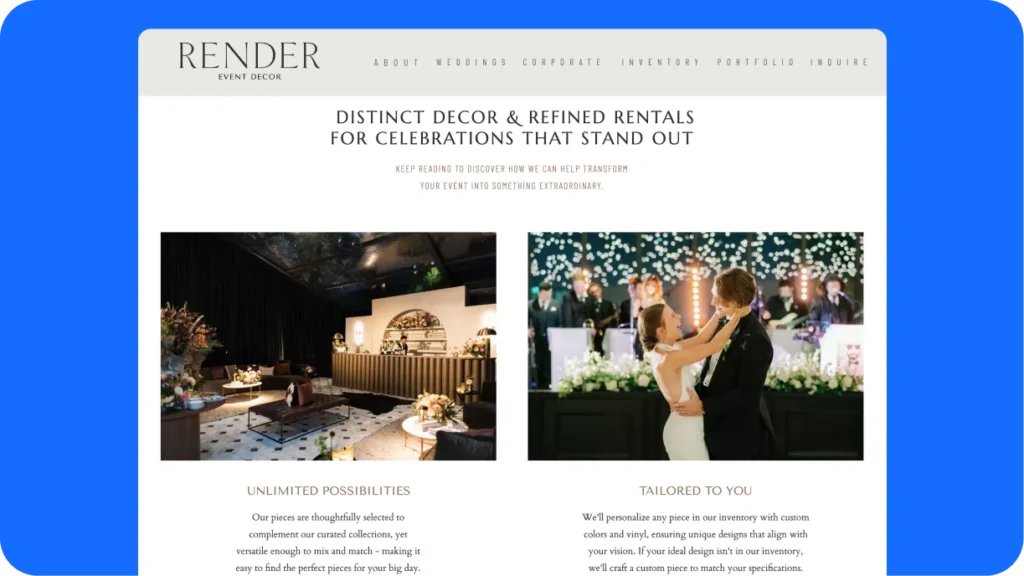
Beyond your items, build pages for the types of events you serve — weddings, corporate events, festivals, backyard parties. When someone asks Google or ChatGPT for “wedding rentals in [city],” a page that’s actually about wedding rentals is what gets surfaced.
Most event rental sites leave people guessing whether they’re even a fit for the event they’re planning.
An event-type page does that work for you. It tells both the client and the AI assistant, in plain terms: yes, this is exactly what we do.
Put Your Location on Every Page
Ranking for “dance floor rental” across the whole country does nothing for a business that delivers in one metro. Ranking for “dance floor rental [your city]” is what fills your calendar. Work your location into your item and event-type pages — in the actual copy, not just the footer.
This matters more as AI search grows. When people ask an assistant for a local vendor, those tools lean heavily on location signals, on-page content, and reviews to decide who to name. The clearer you are about where you work, the easier you are to recommend.
Give Each Page Real Content
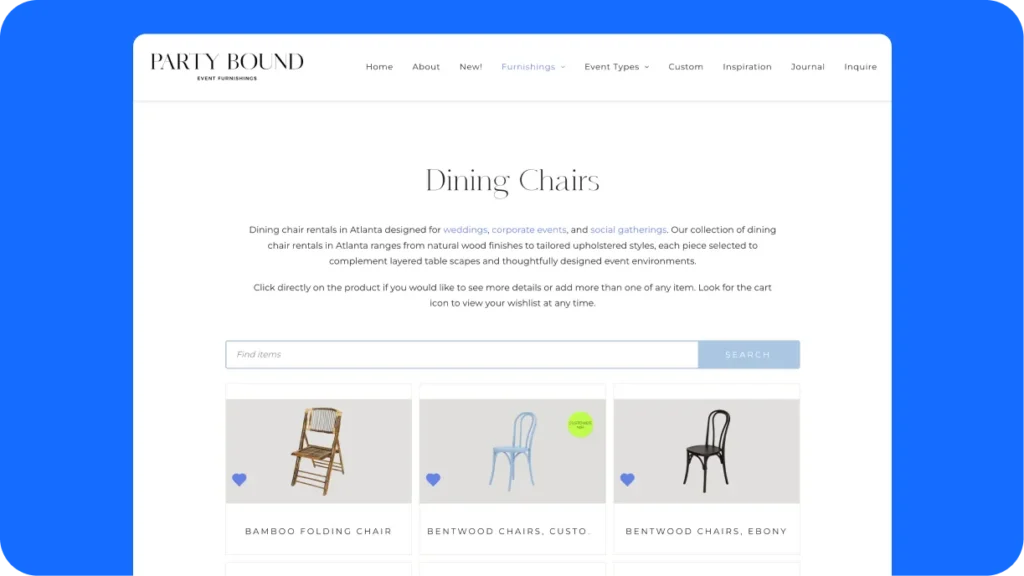
A page that’s just a grid of inventory isn’t enough. Add the context a human needs — pricing, photos from actual events, and answers to the questions you get asked every day. That’s what gives search engines and AI tools something to work with, and it does your selling before anyone calls.
Jim’s example: a dance floor page that answers “what size dance floor do I need for 150 people?” right on the page.
You’ll get that question anyway. Answering it up front means the people who do reach out are already ready to move forward. Listing your pricing is part of this too, and it filters out the wrong-fit inquiries before they hit your inbox.
Keep It Simple Enough to Maintain
The best website setup is the one you’ll actually keep current.
A site you can update from your phone in 30 seconds beats a “perfect” custom build you’re afraid to touch, because a stale site helps no one. Jim’s advice is, “don’t let perfect be the enemy of good.”
Jim chose his platform for how easy it was to use, not for a theoretical SEO edge. The few extra points you’d get from a more technical setup aren’t worth it if the result is a site you never update.
And besides, you can (and should) always be iterating on your website. If you’re just getting started with your business, check out our website roadmap for event pros for more on first steps.
Where to Start
You don’t have to rebuild your whole site this week.
Pick your two or three best-selling items, build a real page for each — inventory, location, a few FAQs — and add event-type pages from there. A handful of focused pages will do more for you than a dozen vague ones.
You can (and should) always be iterating on your website. If you’re just getting started, check out our website roadmap for event pros for more on first steps.
One more piece quietly drives all of this: your reviews. They’re a bigger ranking and AI-citation signal than most event pros realize. We dug into Jim’s take on why your reviews are your SEO in a recent Busy Season issue — start there.
FAQs
Build targeted pages for your top items (like tents, dance floors, or tables and chairs) and for the event types you serve (weddings, corporate events, festivals), and reference your location on each one. This beats a single “our rentals” page because search engines and AI tools can match a specific page to a specific search. Keep the design simple enough that you’ll actually keep it updated.
Yes, but only when they’re genuinely useful and specific to your business. A real recap of an event you produced builds trust and authority; generic, AI-written filler does not. For most event pros, the bigger wins come from targeted item and event-type pages, plus a steady stream of real reviews.
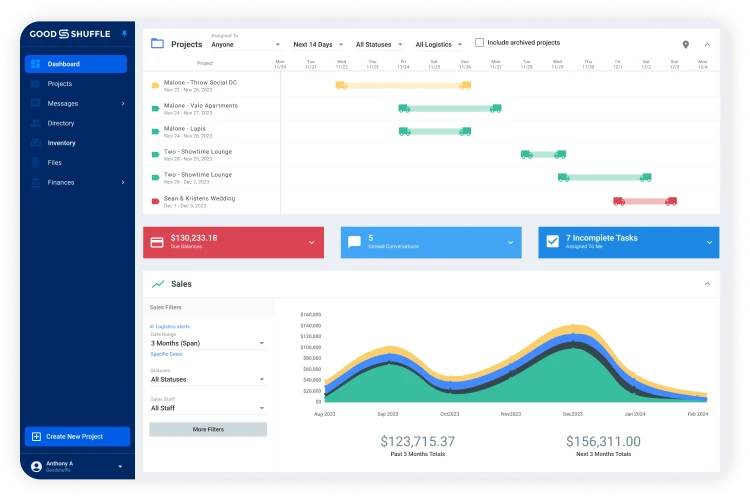
With Goodshuffle Pro’s Website Integration , you tag items in your inventory and pull those tagged items onto the matching page — your dance floors land on your dance floor page automatically. Change a price or add an item once, and it updates everywhere. Clients can browse and submit a quote request right from the page, while you keep full control over the final quote.
No. The platform matters far less than whether you’ll keep the site updated. A site you can edit easily — and actually do — will outperform a “perfect” setup you’re afraid to touch. Goodshuffle Pro’s Website Integration works with WordPress, Squarespace, and several other platforms, so you can pick what fits how you work.

Share On